
Most people know me to be cheap. How cheap? Well, I somehow see the logic in buying a broken USB mouse on eBay in the hopes of fixing it, rather than paying full price for the mouse new. Don’t laugh just yet. I fixed it.
Here are the pictures to prove it (make sure you read the captions; I explain the process on each picture):
Full Project Gallery:
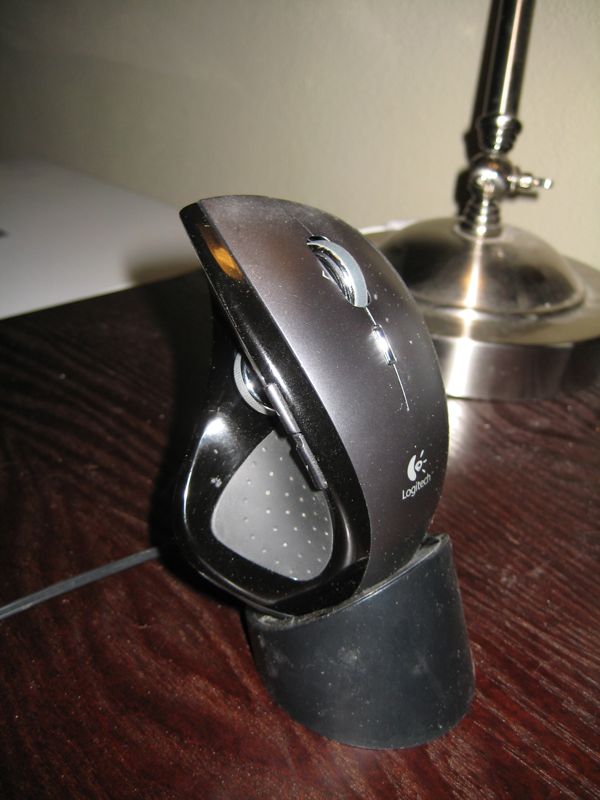
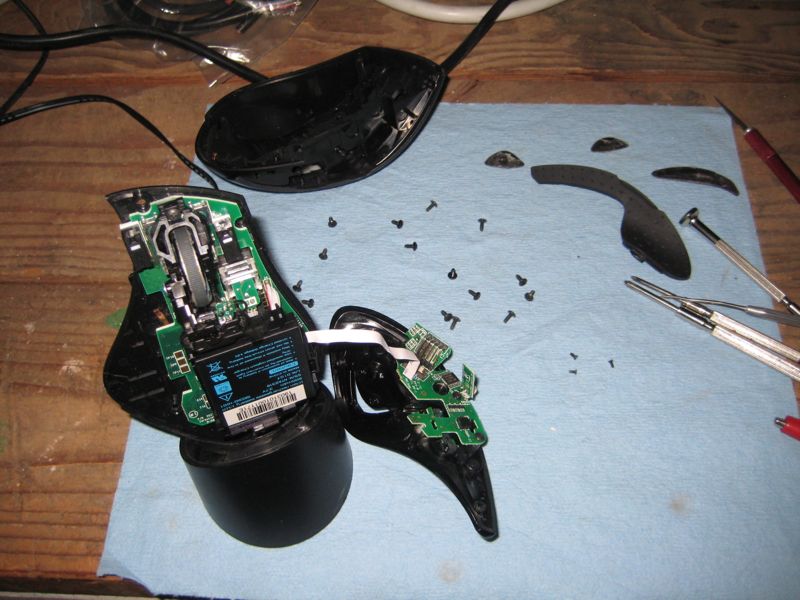
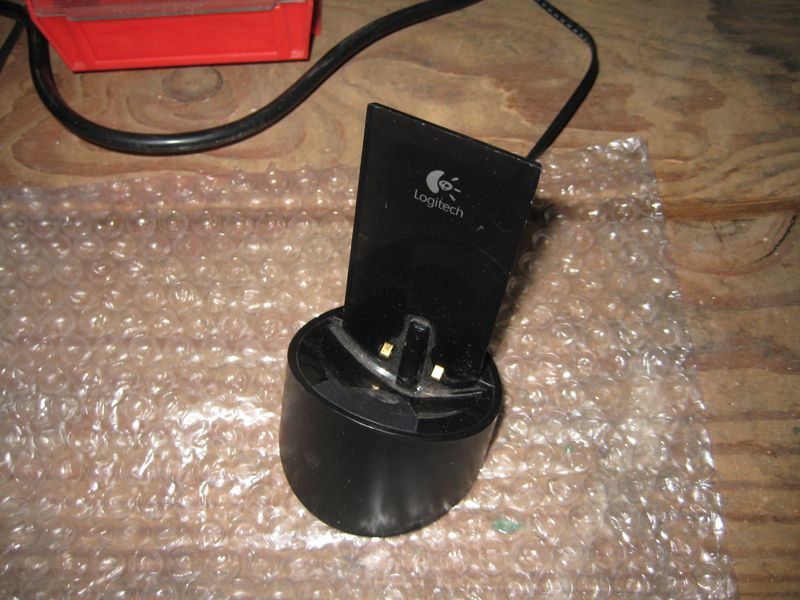

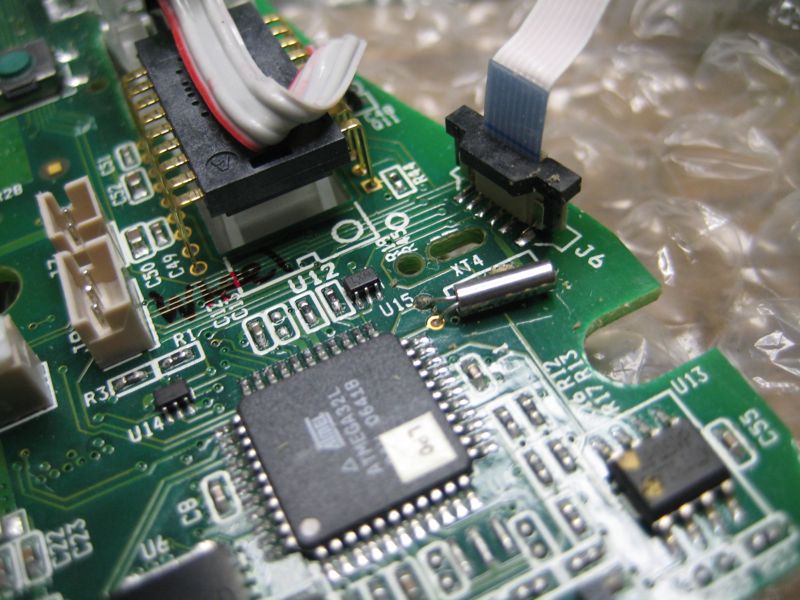
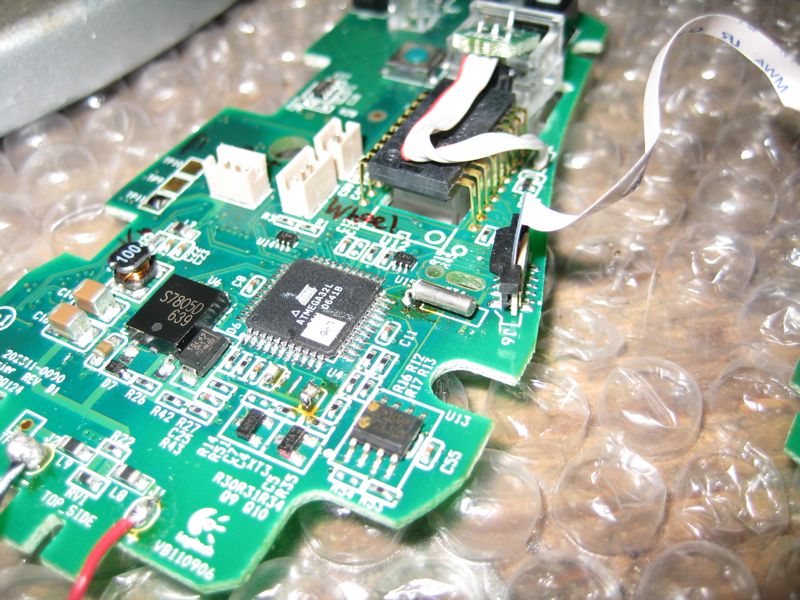
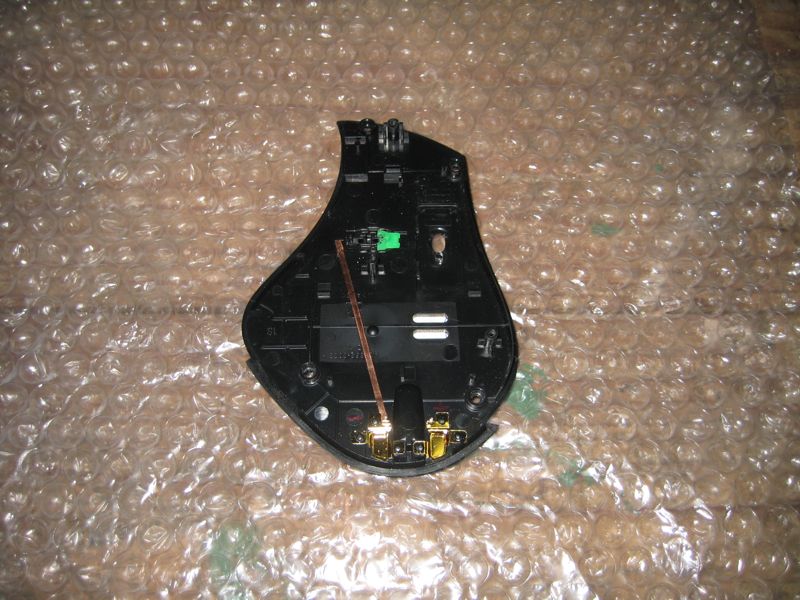

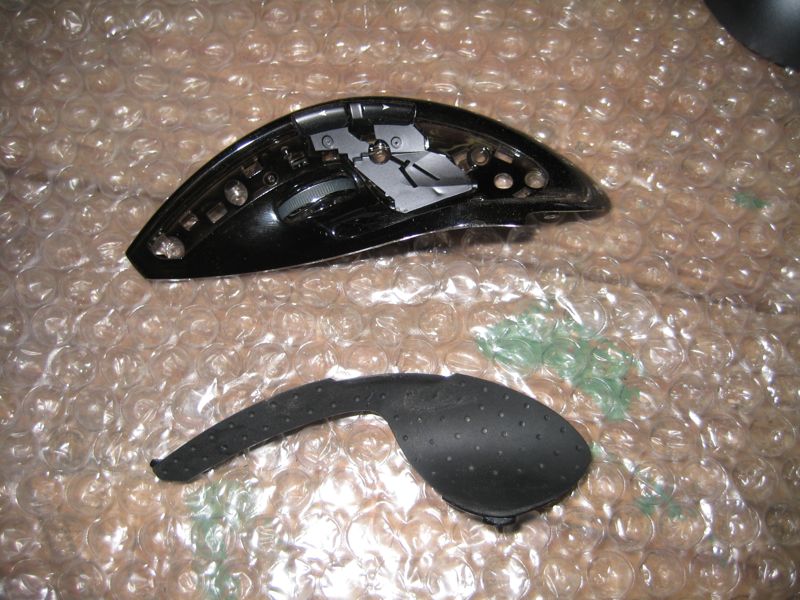
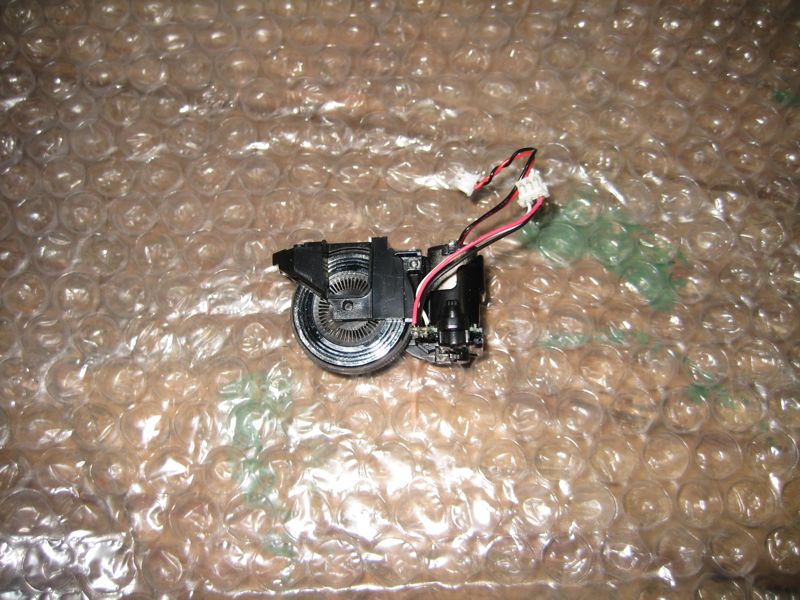

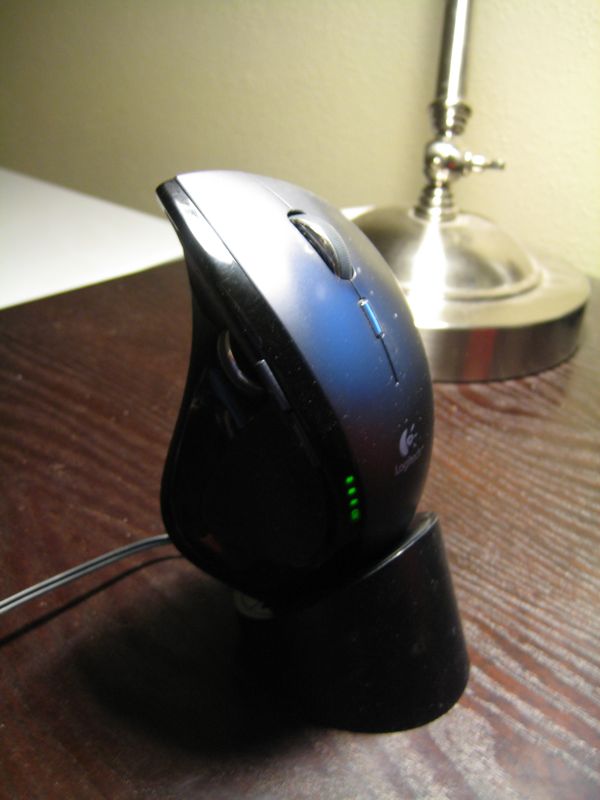
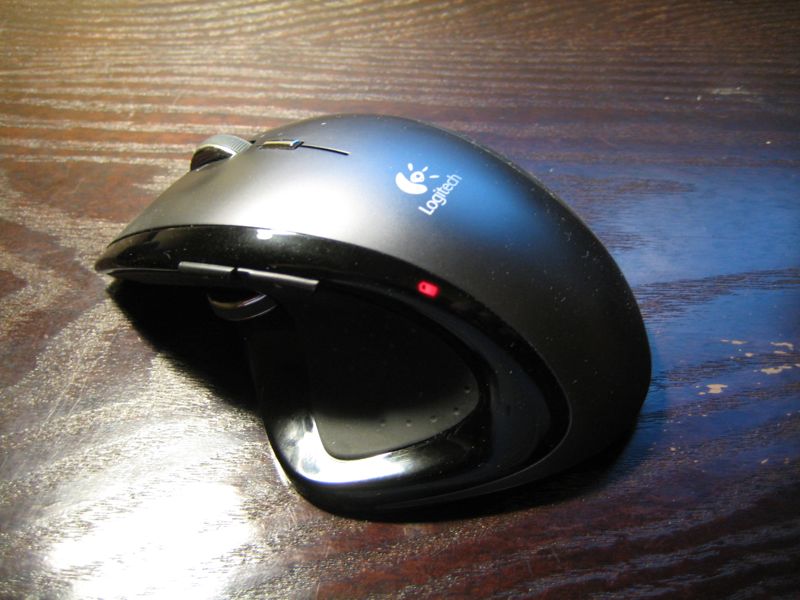
This is Logitech’s MX Revolution mouse. It’s a beautiful piece of engineering. It’s wireless, USB, has a lithium ion rechargeable battery and a charging dock. It has a nifty mouse wheel that is free-running by default, i.e., it doesn’t have the usual “detents” while scrolling. This is a handy mode when you have a lot of scrolling to do. Click the wheel button and an electromagnet engages. This then acts like the stator of a motor, such that the wheel feels the usual detents for the more traditional mouse wheel feel.
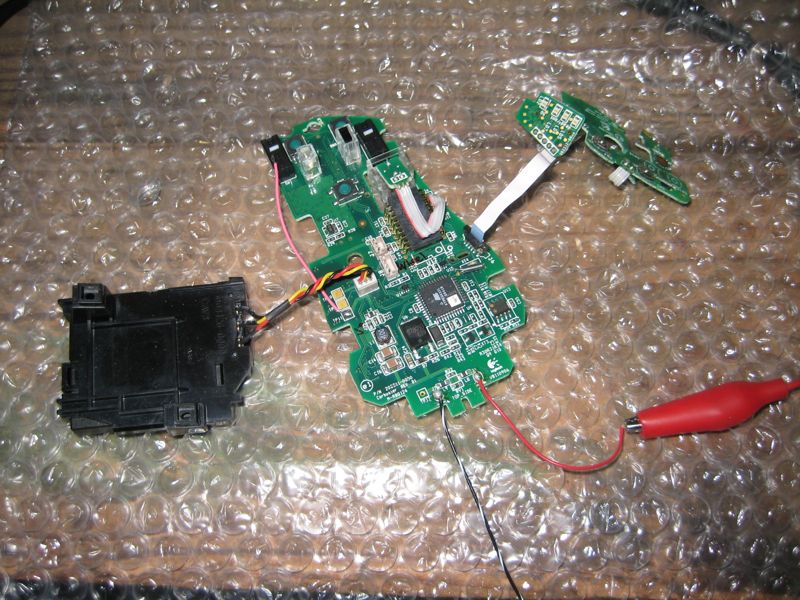
The problem with my mouse was that it appeared not to be charging. I tore it apart and started measuring various things, like the battery. It was fine, so I looked harder. Eventually, I found that the processor wasn’t running. It tuned out to be the crystal, reference designator XT4 (P/N KDS6M), which is absolutely vital in any processor-based piece of electronics (read: everything). So I replaced it and voila! It’s now back to life.


Leave a Reply